
The Directory Contact information appears on you Login screen. This is the person members contact if they have questions or need help.
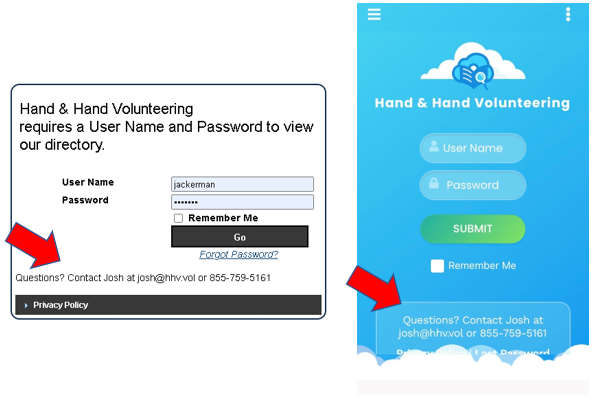
To update this information, access your directory from your web browser. From the Admin tab, select Edit Organization Information.
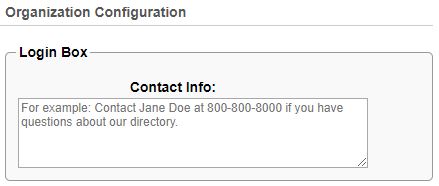
In the Contact Info field, type new contact details (i.e., Questions? Contact Jane Doe at 900-800-8000). Scroll down and click Update to save your changes.