Manually Adding Members

Only admins can add members to the directory.

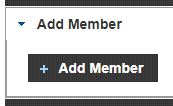
Select the Admin tab then Add Member:
  • Enter first name, last name and additional contact information
  • Add a username and password* and click Save. Share the username and password with the new member.
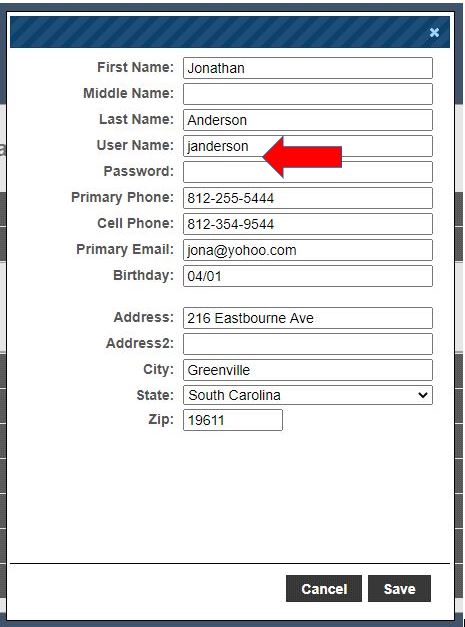
We can help launch your directory by importing your member data, and generating usernames and passwords for your members.  If you’re interested in this one-time service, leave the username and password fields blank.

Updated on June 9, 2023

Related Articles
