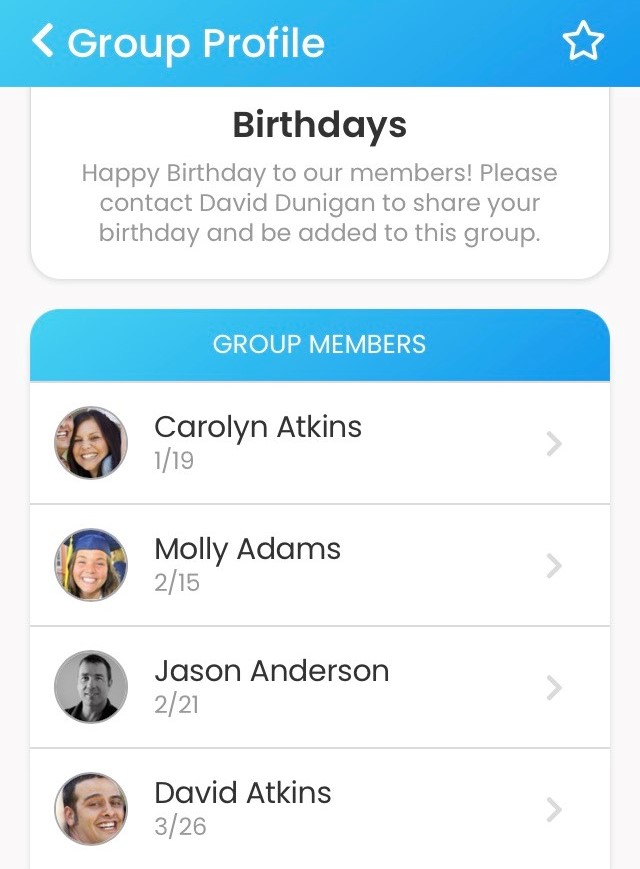
The birthday field is located in the Member profile. Birthdays display as month/day (i.e., 12/18). Contact us to change your birthday display settings.
Anniversaries can be added using Additional Information fields in the member or family profiles (or both).
Admin can export data, sort it and create birthday and anniversary lists. Please note, data is exported by member, so be sure to add anniversaries to the member profile if you intend to export them.
To create a Birthday group, follow these directions:
- Create a group and name it Birthdays
- Export member information and sort the data by birthday
- Add members to the group in birth date order, starting with January. Include their birthday in the title field
The picture below shows the birthday group in the Online Member Directory app . To view it in our demo directory, go to https://grace.ctrn.co and log in with username demo password grace