
To view or edit your profile:
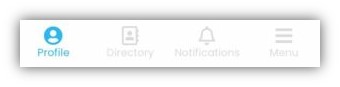
Select the Profile icon in the bottom navigation bar
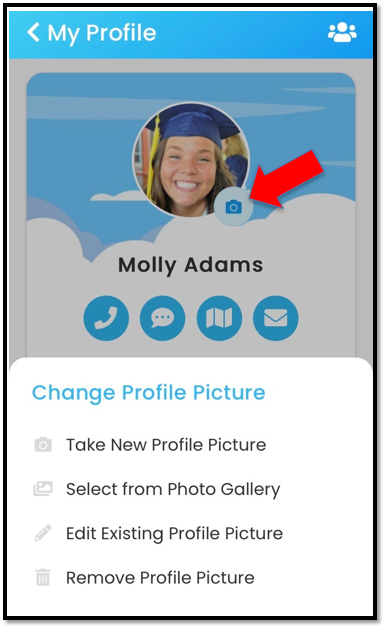
Select the camera icon to change your profile picture.
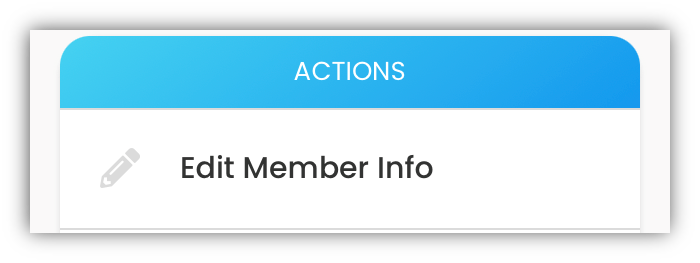
Select Edit Member Info
to update your
- Name
- Address
- Phone/Mobile Phone
- Birthday
- Username/Password
- and Additional Information
Make your changes and click UPDATE
Select Sort Additional Information to change the sort order of your additional information fields.