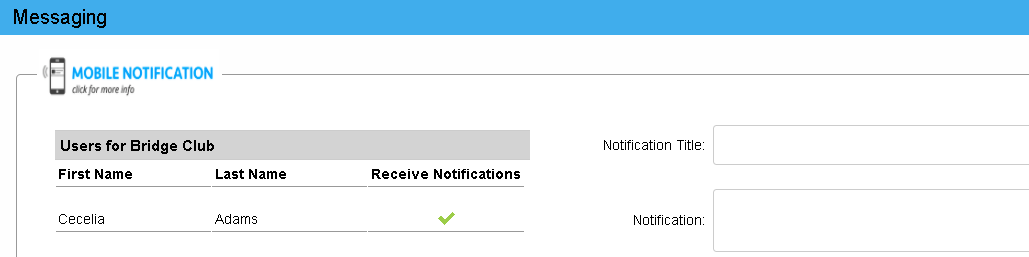
What are Notifications? They are messages, sent by your organization, that appear on devices that use the Online Member Directory app and the CTRN Online Directory legacy app.
Who sends Notifications? Administrators or members of your organization, depending on your directory settings.
Can notifications be sent to just one person? Notifications are for groups, not for individuals. You can contact individuals by text message. When viewing a member profile on your smartphone, touch the message icon to send a text from your device to theirs.
Can I reply to a notification? No
What are the character limits when composing a notification?
Title: 55 Characters
Message: 240 characters
Which mobile app are you using?
Online Member Directory or CTRN Online Directory?
Online Member Directory app:
How can I receive Notifications?
Notifications always appear in the app. If you would like them to appear on your lockscreen, update your device’s notification settings for the Online Member Directory app.
To watch a video, CLICK HERE
VIEW A NOTIFICATION
Select the Notification icon in the bottom navigation bar.

A red dot indicates you have unread notifications 
Notifications remain on your app until you remove them. Delete them by selecting X in the notification. To delete all notifications, select the delete icon in the upper right corner. .
SEND A NOTIFICATION:
Open the group you wish to message.
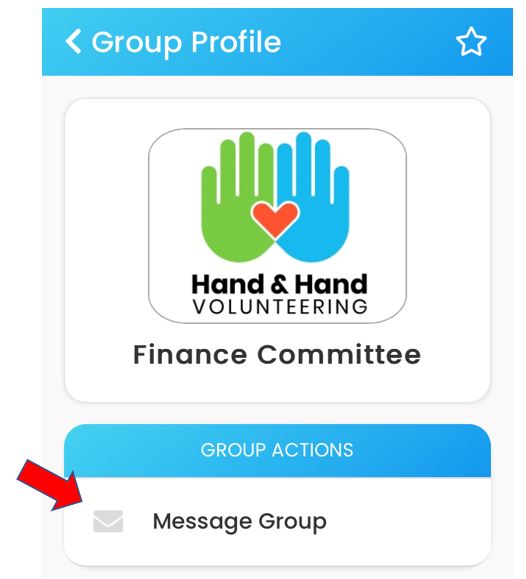
If you have permission to send group messages, you will see Message Group.
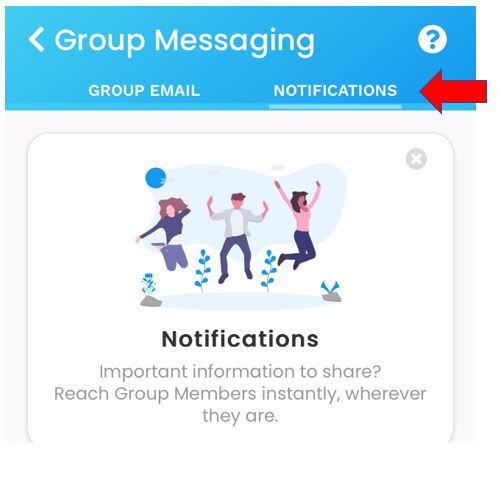
Open Message Group. Group Email and / or Notifications will appear at the top of the screen
Select NOTIFICATIONS
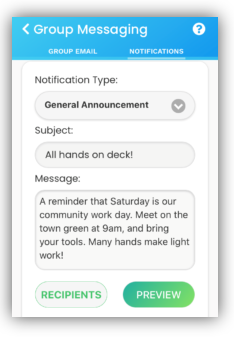
Compose your Notification
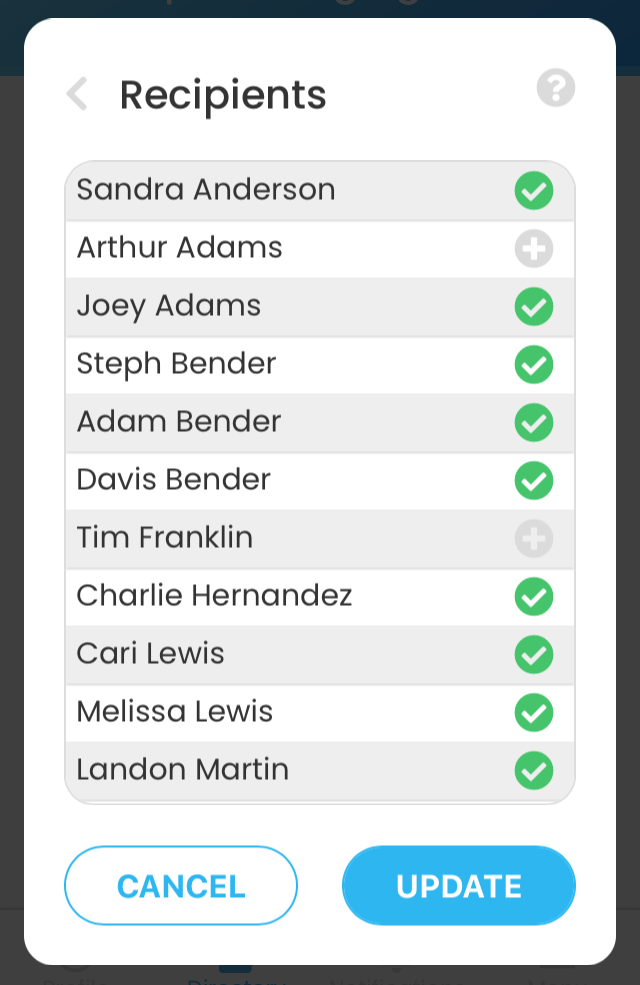
Choose your recipients. All group members will appear with a green check mark. To remove a member, deselect them.
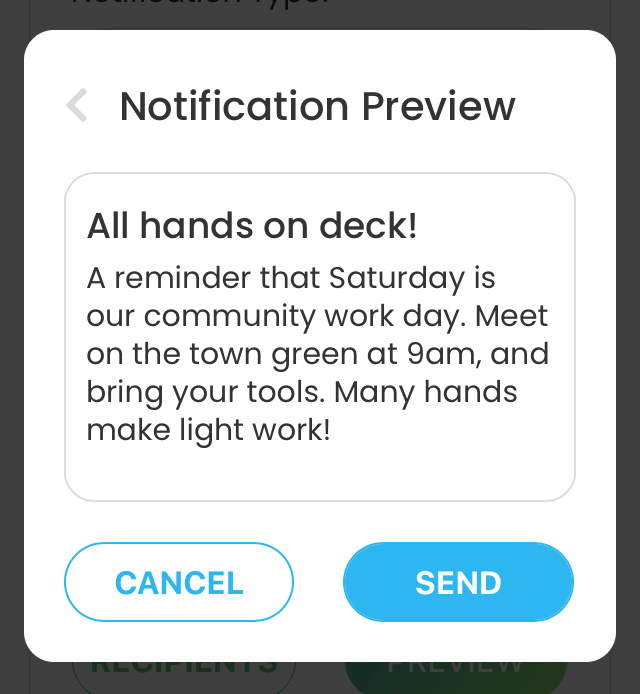
PREVIEW to check for accuracy, then select SEND
CTRN Online Directory legacy app
How can I receive Notifications?
Select Allow when given the option to receive Notifications and do NOT check the box on the sign in page that says, “I do not wish to receive notifications on this device.” To watch a video, CLICK HERE
How do notifications appear on my device?
You will first see the notification on your device’s lock screen.
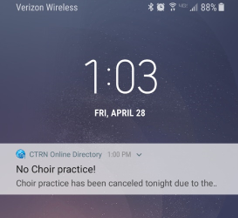
If you select the notification, your directory’s mobile app will open and the notification will appear.
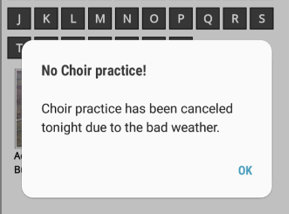
Select OK after you have read the message. If you have received multiple Notifications, they will appear one after another.
How do I send a notification? If your directory settings allow members to send notifications, you will see the image below when you open a group and select Message Group.