
Additional Information fields are custom fields that can be added to Member and Family Profiles
If you are an editor for a profile, you can add, remove and change the display order of Additional Information.
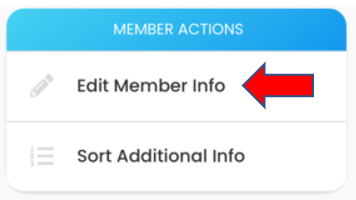
Open the profile and select Edit Member Info or Edit Family Info
Scroll down and select ADDITIONAL INFO
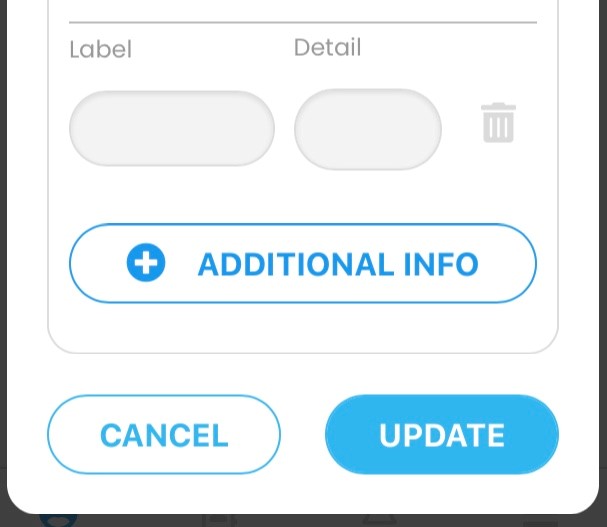
A blank Label and Detail field will appear..
Enter the Label (i.e., Anniversary) and Detail (i.e., 6/16/90). Click Update to save your changes.
To delete Additional Info, select the delete icon and click Update.
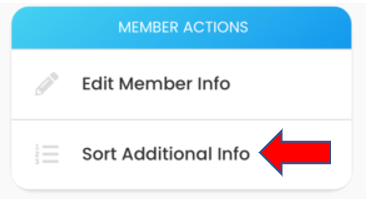
Select Sort Additional Info to change the order information is displayed
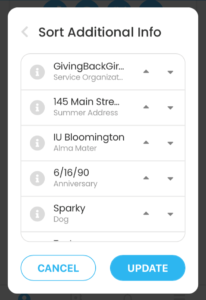
Find the information you want to move to the first position, and click the up arrow. Continue to click the up arrow until that information is at the top of the list. Use the down arrow to move information down. Select UPDATE to save changes
In Member profiles, birthdays always appear in Additional Info fields, and always appear first.