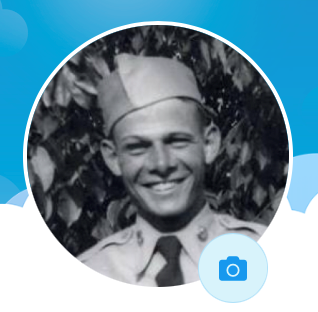
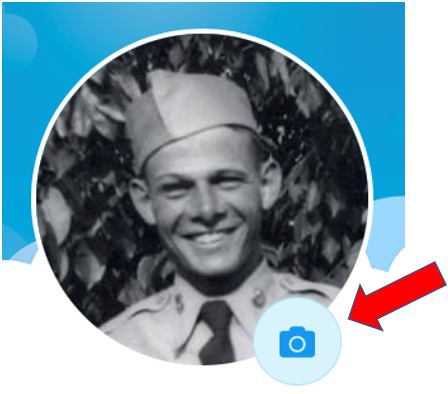
Open the profile. Select the camera icon on the perimeter of the photo
You will see four options:
- Take New Profile Picture asks for permission to access your camera. Take the photo then select Use Photo.
- Select from Photo Gallery prompts you to choose, crop and save a photo from your device’s photo gallery.
- Edit Existing Profile Picture allows you to crop the existing image.
- Remove Photo will delete your photo.
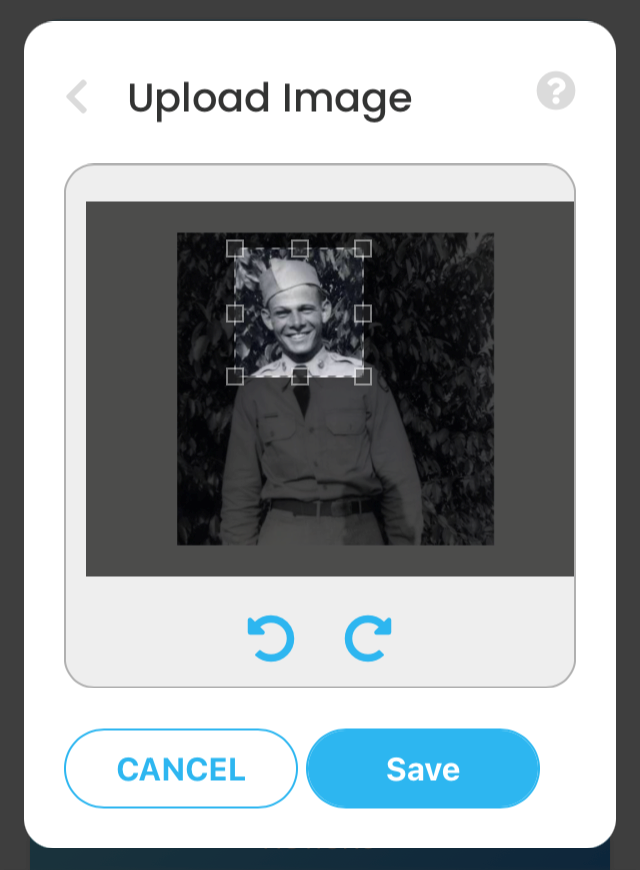
Crop an image by positioning your finger on the dotted line. Drag to size and center the image. Use the arrows to rotate photo if needed.