
Select the tab you wish to search. In the search field, enter all or part of the information you are seeking.
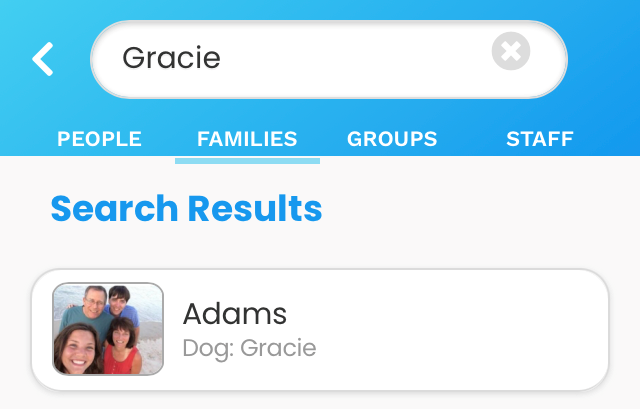
The search field operates within the tab selected. For example, if you search Gracie:
- Within the Members tab, all member profiles that include Gracie will appear.
- Within the Families tab, all profiles that include Gracie will appear
- Within the Staff tab, all staff members named Gracie will appear.
Within the Groups tab, you can search by group name (i.e., Finance, Trustees).
To clear your search and start again, select the X in the search field.