
Search Online Member Directory at your app store, or use the following links:
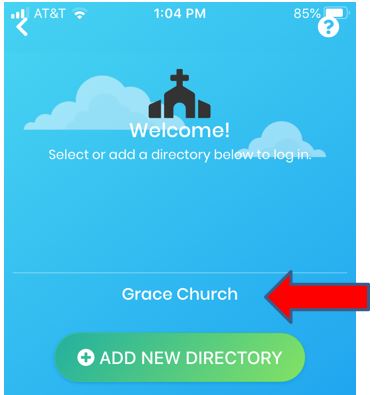
- On the welcome screen, select ADD NEW DIRECTORY

- Enter the mobile code that was provided to you.
(*Don’t know your mobile code? See below.)
- Touch the name of the organization when it appears
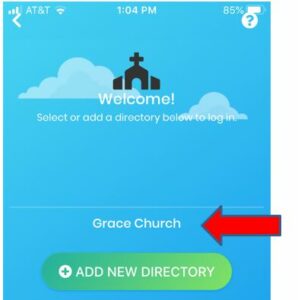
- Log in with your username and password, and select Remember Me.
*If you don’t know your mobile code:
- Ask your directory administrator
- Find the code in your directory’s URL (i.e., the code for https://handandhand.ctrn.co is handandhand)
Having trouble entering your code? Make sure your device isn’t auto correcting your entry.